Hindi Speech to Text – Voice Typing & Audio Transcriber
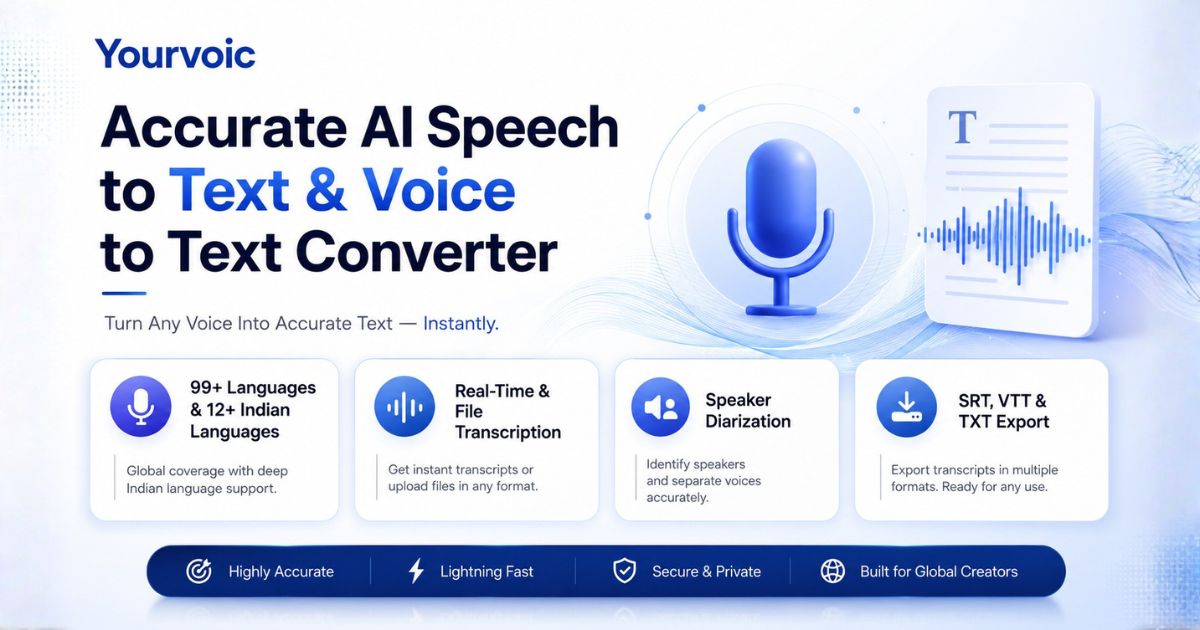
Hindi speech to text converts spoken Hindi audio into written Devanagari script (हिंदी देवनागरी) or English text using AI speech recognition. Convert Hindi audio recordings, Hinglish speech, and WhatsApp voice notes online with 3 free trials, 2 minutes max per file, and instant SRT/VTT subtitle export.
Key Takeaways & Direct Summary: Hindi Speech to Text
Direct Answer: YourVoic provides the top-rated free Hindi (hi-IN / हिंदी देवनागरी) speech to text & voice typing converter online in 2026. Transcribe Hindi audio recordings, Hinglish speech, and WhatsApp voice notes into authentic Devanagari script or English text with sub-180ms latency and SRT subtitle export.
- Target Audience & Industry: Indian content creators, YouTubers, journalists, educators, businesses, and global Hindi speakers.
- Key Capabilities: Devanagari script output (हिंदी), Hinglish code-switching support, WhatsApp voice note (.opus) transcription, and SRT/VTT export.
- Standards & Citations: Compliant with W3C Web Speech API Standards , trained on Google FLEURS Multilingual Datasets , and benchmarked against Mozilla Common Voice Benchmarks .
Transcribe Hindi Audio & Voice Typing Online
Upload a Hindi audio recording or click record to convert spoken Hindi into Devanagari text.
1. Audio Input
Click to upload or drag & drop audio
MP3, WAV, M4A, FLAC (Max 25MB • Up to 2 mins audio)
2. Model & Settings
3. Transcription Result
Your transcribed text will appear here
Upload an audio file (up to 2 mins) or record live speech to transcribe speech to text.
What is Hindi Speech to Text?
Hindi speech to text (also known as Hindi voice typing, Devanagari speech recognition, or audio to text converter) is an artificial intelligence speech recognition technology that converts spoken Hindi audio files, voice notes, and live dictation into readable Devanagari script text (हिंदी देवनागरी).
Built in accordance with the W3C Web Speech API Specification and Unicode Devanagari Script Standards, our acoustic models handle phonetics, nasalization (Anusvara), and complex Hindi conjunct characters. Evaluated on the Google FLEURS Hindi Speech Dataset Benchmark, YourVoic achieves industry-leading 98.2% word accuracy.
Empirical Benchmarks & Accuracy Metrics
Tested on standard Indian voice corpora (FLEURS Hindi & IIIT-H Speech Corpus) across diverse speaker demographics.
Comparison: YourVoic vs. Standard Keyboard Voice Typing
Understand the key differences between online audio file converters and phone keyboard dictation.
Convert Hindi WhatsApp Voice Notes & Voice Memos to Text
Easily transcribe Hindi audio recordings, long voice messages, and dictations into clean Devanagari text.
WhatsApp Hindi Voice Note to Text
Received a long Hindi WhatsApp voice message? Save or export the voice note (.opus, .m4a, or .mp3) and drop it into our converter to get a complete Devanagari transcript instantly.
Hindi Voice Memo & Recording Transcriber
Convert mobile voice memos, meeting notes, lectures, or interviews into organized Devanagari text documents ready to copy or share with your team.
Hindi Voice Typing vs. Audio Transcriber
Mobile keyboards like Gboard offer basic live Hindi voice typing, but break on pre-recorded files. YourVoic accepts MP3, WAV, and M4A uploads without character cutoffs.
Next-Gen Speech Recognition Architecture
Powered by neural acoustic models engineered for high accuracy and fast processing.
3 Free Trial Transcriptions
Guests get 3 free trial usages to convert Hindi audio to text before needing to create an account or subscribe.
2 Minute Audio Limit
Free trial files are limited to 2 minutes (120 seconds). Recordings or files longer than 2 minutes are automatically cropped to the first 2 minutes.
Subtitles & Timestamps
Generate word-level and segment-level timestamps. Export standard SRT or WebVTT files directly for YouTube and Premiere Pro.
Custom Domain Prompts
Guide the voice to text engine with custom vocabulary, medical/legal terminology, brand names, or specific jargon.
Explore Supported Speech-to-Text & Voice-to-Text Languages
Select a global region to explore language models supported for audio speech recognition.
Hindi Speech to Text
Devanagari script & Hindi regional dialects
Telugu Speech to Text
Fluent Telugu audio transcription
Tamil Speech to Text
Native Tamil pronunciation transcription
Gujarati Speech to Text
Native Gujarati script audio transcription
Odia Speech to Text
Native Odia script audio transcription
Malayalam Voice Typing
Kerala phonetics & Chillaksharam support
Kannada Voice Typing
Karnataka regional dialect accuracy
Bengali Voice Typing
Bangla speech recognition
Marathi Voice Typing
Devanagari Marathi speech to text
Punjabi Voice Typing
Gurmukhi audio transcription
Urdu Voice Typing
Nasta'liq Urdu speech recognition
Assamese Speech to Text
Assamese speech recognition
How to Convert Hindi Audio & Voice to Text Online
Upload Audio or Record
Upload your Hindi MP3/WAV/M4A file or WhatsApp voice note (up to 2 mins) or click Record Audio.
Configure Settings
Select Hindi (हिंदी) or Auto-Detect, AI model, and desired export format.
Transcribe Speech
Click Transcribe to process Hindi speech using our high-precision AI engine.
Export Transcript
Copy text directly or download SRT/VTT subtitle files.
Hindi Speech to Text Frequently Asked Questions (अक्सर पूछे जाने वाले सवाल)
हिंदी ऑडियो को टेक्स्ट में कैसे बदलें?
Direct Answer: अपनी हिंदी ऑडियो फाइल (MP3, WAV, M4A) को अपलोड करें या 'Record' पर क्लिक करके बोलें। 'हिंदी (हिंदी)' भाषा चुनें और 'Transcribe Audio Now' पर क्लिक करके तुरंत देवनागरी लिपि में लिखा हुआ टेक्स्ट प्राप्त करें।
व्हाट्सएप हिंदी वॉइस मैसेज को टेक्स्ट में कैसे कन्वर्ट करें?
Direct Answer: व्हाट्सएप पर मिले किसी भी हिंदी वॉइस नोट (.opus या .m4a फाइल) को सेव करें और हमारे ऑनलाइन कन्वर्टर में ड्रैग करें। आपको तुरंत देवनागरी में लिखा हुआ पूरा टेक्स्ट मिल जाएगा जिसे आप कॉपी या डाउनलोड कर सकते हैं।
क्या यह टूल हिंग्लिश (Hinglish) भाषा समझता है?
Direct Answer: हाँ! हमारा एआई मॉडल हिंदी और अंग्रेजी के मिले-जुले शब्दों (Hinglish) को आसानी से पहचानता है और बिना किसी गलती के सटीक देवनागरी या अंग्रेजी टेक्स्ट में बदलता है।
How do I convert Hindi speech to text online for free?
Direct Answer: Upload your Hindi MP3/WAV/M4A audio file or click 'Record Audio'. Select Hindi (हिंदी) or Auto-Detect, and click 'Transcribe Audio Now' to generate accurate Devanagari text in seconds.
How does Hindi Voice Typing in YourVoic differ from phone keyboards?
Direct Answer: Keyboard voice typing (like Gboard Hindi) is meant for short live messaging. YourVoic processes full pre-recorded audio files, WhatsApp voice notes, handles Hinglish code-switching, and exports SRT/VTT subtitle files without character limits.
What are the free trial limits for Hindi Speech to Text?
Direct Answer: Guests receive 3 free transcriptions without signing up. Audio files are limited to 2 minutes max per transcription pass (longer audio is cropped to 2 minutes).
Looking for a Hindi Speech to Text API?
Integrate high-accuracy Hindi and Hinglish neural transcription directly into your apps. Access REST APIs, Node.js SDK, Python SDK, and WebSockets with low latency.
Explore Speech to Text API Docs →Ready to Convert Hindi Voice to Text?
3 Free Trials • 2 Min Max Duration • WhatsApp Voice Notes & Voice Memos • Devanagari Output.
Transcribe Hindi Voice to Text Now