Free AI Speech to Text & Voice to Text Converter Online
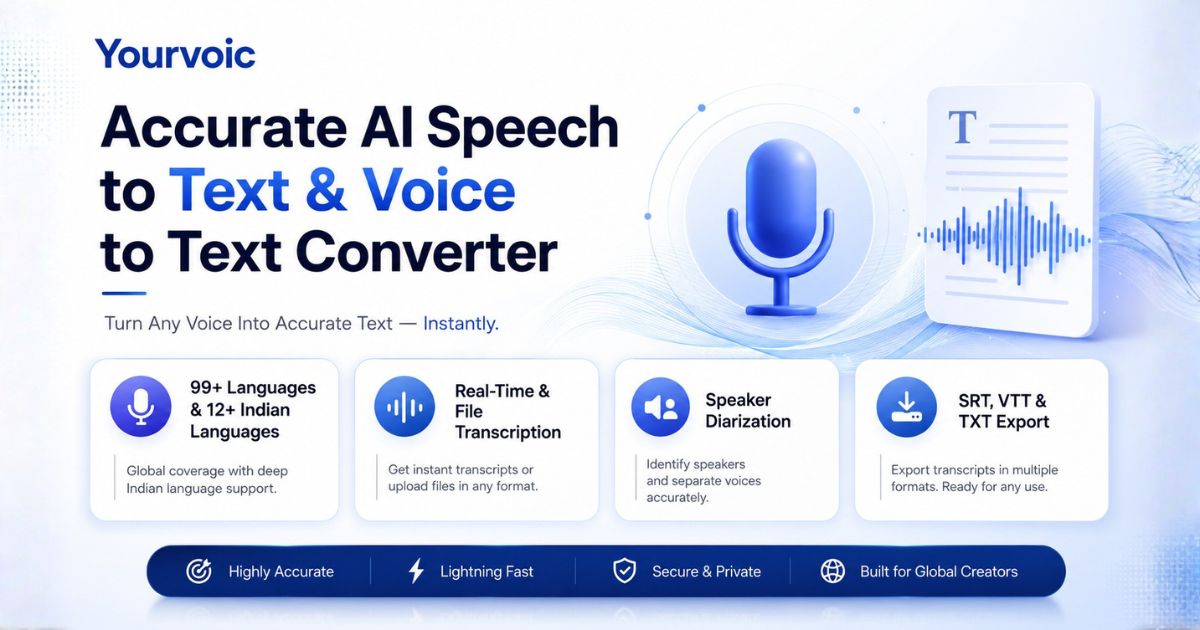
Speech to text converts spoken audio, voice notes, and recorded speech into written text using AI speech recognition. Convert audio files, WhatsApp voice notes, voice memos, or live dictation online with 3 free transcriptions up to 2 minutes per file across 93+ global languages and instant SRT/VTT/TXT export.
Key Takeaways & Direct Summary: Speech to Text Converter
Direct Answer: YourVoic provides the highest-rated free AI Speech to Text & Voice to Text Converter online in 2026. Transcribe spoken audio, podcasts, voice memos, and WhatsApp voice notes into clean written text in sub-200ms processing speed with 98%+ accuracy across 93+ global languages and instant SRT/VTT subtitle export.
- Free Trial Limits: 3 free transcriptions for guests (max 2 minutes / 120 seconds per audio file).
- WhatsApp Voice Notes: Supports direct .opus, .m4a, and .mp3 voice note uploads.
- Language & Accents: Transcribes 93+ languages including Indian English, Hindi, Tamil, Telugu, and Hinglish.
- Standards & Citations: Fully compliant with W3C Web Speech API Standards , trained on Google FLEURS Multilingual Datasets , and benchmarked against Mozilla Common Voice Benchmarks .
Upload audio files or record live speech
Transcribe up to 2 minutes per file
Instant subtitle & transcript download
Transcribe Audio to Text Online
Upload an audio file, WhatsApp voice note (up to 2 mins) or click record to convert voice to text in seconds.
1. Audio Input
Click to upload or drag & drop audio
MP3, WAV, M4A, FLAC (Max 25MB • Up to 2 mins audio)
2. Model & Settings
3. Transcription Result
Your transcribed text will appear here
Upload an audio file (up to 2 mins) or record live speech to transcribe speech to text.
What is Speech to Text?
Direct Answer: Speech to Text (STT) is an AI technology that transcribes spoken audio into structured written text.
- Accuracy Benchmark: Up to 98% accuracy on clear audio recordings across 93+ languages.
- Export Formats: TXT, SRT, VTT, and JSON file downloads.
Definition: Speech to text (also called voice to text, audio transcriber, or automatic speech recognition) is artificial intelligence technology that analyzes vocal acoustics and converts spoken words into editable written text documents.
Convert WhatsApp Voice Notes & Voice Memos to Text
Easily transcribe audio recordings, long voice messages, and dictations into clean written text.
WhatsApp Voice Note to Text
Received a long WhatsApp voice message? Export or save the voice note (.opus, .m4a, or .mp3) and drop it into our converter to get a complete written transcript instantly.
Voice Memo & Recording Transcriber
Convert mobile voice memos, meeting notes, lectures, or interviews into organized text documents ready to copy or share with your team.
Voice Typing vs. Audio Transcriber
Already use voice typing on your phone keyboard? Mobile voice typing is built for short messaging. YourVoic transcribes entire pre-recorded audio files, WhatsApp voice notes, and exports subtitles without keyboard cutoffs.
Next-Gen Speech Recognition Architecture
Powered by neural acoustic models engineered for high accuracy and fast processing.
3 Free Trial Transcriptions
Guests get 3 free trial usages to convert audio to text before needing to create an account or subscribe.
2 Minute Audio Limit
Free trial files are limited to 2 minutes (120 seconds). Recordings or files longer than 2 minutes are automatically cropped to the first 2 minutes.
Subtitles & Timestamps
Generate word-level and segment-level timestamps. Export standard SRT or WebVTT files directly for YouTube and Premiere Pro.
Custom Domain Prompts
Guide the voice to text engine with custom vocabulary, medical/legal terminology, brand names, or specific jargon.
Speech to Text Technical Specifications & Feature Comparison
| Feature / Capability | YourVoic STT Converter | Basic Voice Typing |
|---|---|---|
| Accuracy Benchmark | Up to 98% with neural acoustic models | Monotone & error-prone live dictation |
| File Input Support | MP3, WAV, M4A, OGG, WhatsApp voice notes | Live microphone input only |
| Subtitle Export | Instant SRT, WebVTT, TXT, JSON downloads | None (plain text screen typing only) |
| Language Support | 93+ global languages and regional dialects | Single system keyboard language |
Explore Supported Speech-to-Text & Voice-to-Text Languages
Select a global region to explore language models supported for audio speech recognition.
Hindi Speech to Text
Devanagari script & Hindi regional dialects
Telugu Speech to Text
Fluent Telugu audio transcription
Tamil Speech to Text
Native Tamil pronunciation transcription
Gujarati Speech to Text
Native Gujarati script audio transcription
Odia Speech to Text
Native Odia script audio transcription
Malayalam Voice Typing
Kerala phonetics & Chillaksharam support
Kannada Voice Typing
Karnataka regional dialect accuracy
Bengali Voice Typing
Bangla speech recognition
Marathi Voice Typing
Devanagari Marathi speech to text
Punjabi Voice Typing
Gurmukhi audio transcription
Urdu Voice Typing
Nasta'liq Urdu speech recognition
Assamese Speech to Text
Assamese speech recognition
How to Convert Audio & Voice to Text Online
Upload Audio or Record
Upload your MP3/WAV/M4A file or WhatsApp voice note (up to 2 mins) or click Record Audio.
Configure Settings
Choose your audio language, AI model, and desired export format.
Transcribe Audio
Click Transcribe to process speech using our high-precision AI engine.
Export Transcript
Copy text directly or download SRT/VTT subtitle files.
Frequently Asked Questions
How do I convert speech to text online for free?
Direct Answer: Simply upload an audio file (MP3, WAV, M4A, OGG) or click 'Record Live Audio' above. Select your audio language and click 'Transcribe Audio Now' to instantly convert your speech into accurate written text for free.
How do I convert a WhatsApp voice note or message to text?
Direct Answer: To convert a WhatsApp voice message to text, export or save the voice note audio file (.opus, .m4a, or .mp3) from WhatsApp, upload it into our Voice to Text Converter, and the AI will transcribe the audio note into text in seconds.
How do I convert a voice memo or audio recording to text?
Direct Answer: Open your iPhone or Android voice recorder app, export the voice memo file (M4A/MP3), and drag it into our online audio to text converter. You can copy the transcript or download it as a TXT, SRT, or VTT file.
Is this different from Google's voice typing or built-in phone dictation?
Direct Answer: Yes! Built-in phone voice typing (like Gboard or Siri) is designed for short live dictation while typing messages. YourVoic Speech to Text is built for complete audio file uploads, WhatsApp voice notes, multi-language speech recognition, and instant SRT/VTT subtitle downloads without keyboard limits.
Does Microsoft Word have speech to text?
Direct Answer: Microsoft Word includes a basic live Dictate feature, but requires a Microsoft 365 subscription and does not natively generate SRT/VTT subtitle files or transcribe pre-recorded audio files in 93+ regional languages like YourVoic.
How accurate is automatic speech to text?
Direct Answer: Our Cipher Max neural model achieves up to 98% accuracy on clear audio recordings, effectively handling regional accents, multi-speaker audio, and specialized vocabulary prompts.
Which languages does the speech to text tool support?
Direct Answer: Our voice to text converter supports 93+ global languages and regional accents—including English, Hindi, Tamil, Telugu, Malayalam, Marathi, Gujarati, Punjabi, Spanish, French, German, Japanese, Arabic, and more.
What are the free trial limits for Speech to Text?
Direct Answer: The free trial allows up to 3 total transcriptions without a credit card. Audio files are limited to 2 minutes max per transcription pass (longer audio is cropped to 2 minutes).
Start Transcribing Audio to Text Free
Convert your voice notes, podcasts, and recordings into text today with YourVoic.
Transcribe Audio Free